# WebApps: A Simple Windowed Application

### [Task](http://rosettacode.org/wiki/Simple_windowed_application)

> Create a window that has:
- a label that says "There have been no clicks yet"
- a button that says "click me".

> Upon clicking the button with the mouse, the label should change and show the number of times the button has been clicked. 

-----------------------------------

I guess this task can be considered as a kind of minimal example of an interactive component. In the first step, we will build up the application as shown in the [Web Application Tutorial](https://picolisp-blog.hashnode.dev/series/web-app). After that, we will modify it a little bit in order to convert it into a directly executable file.

In the end, it will look like this:
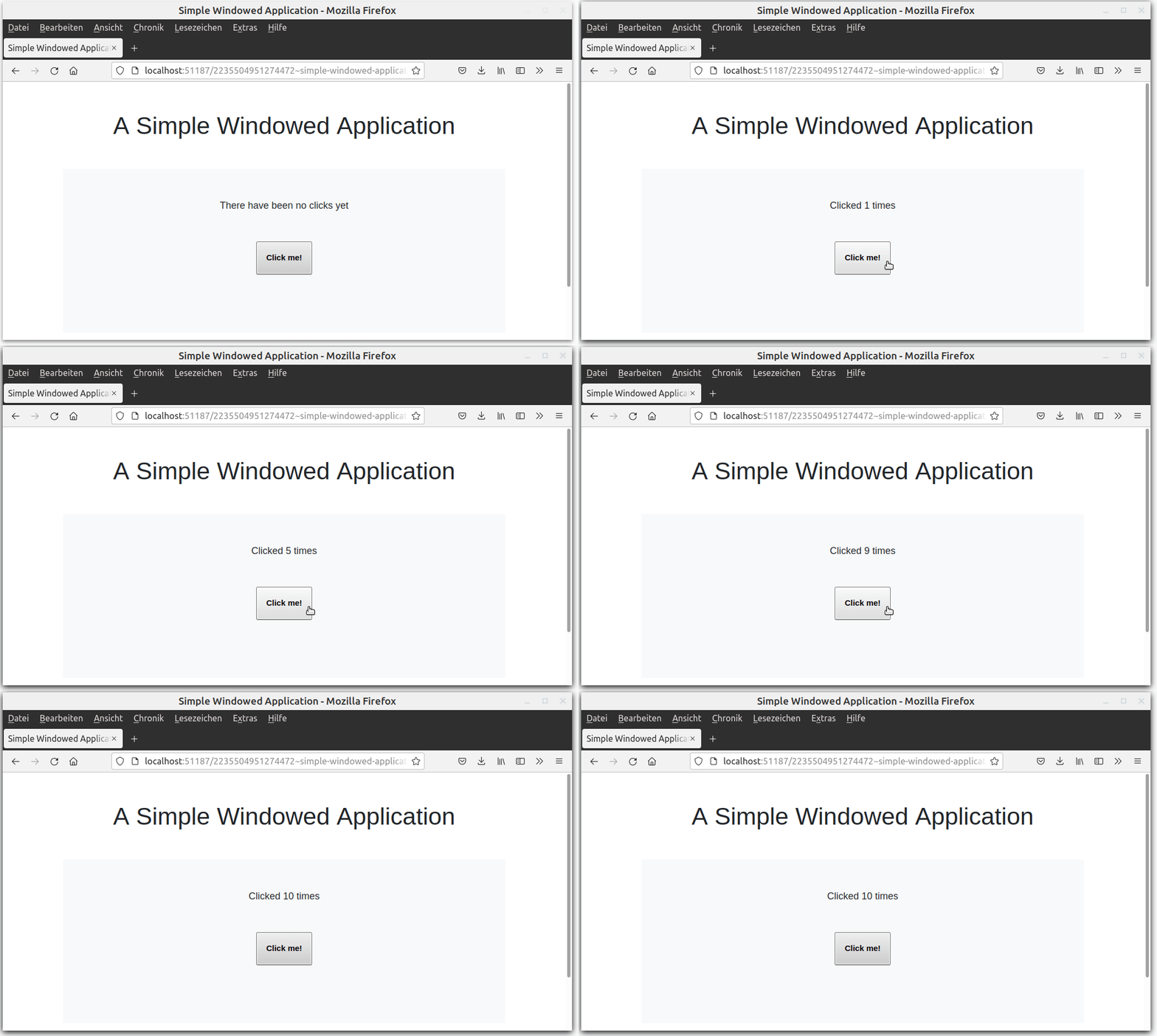
![simplewindow.gif](https://cdn.hashnode.com/res/hashnode/image/upload/v1634111407657/OekbefRSi.gif)

You can view [the hosted version here](http://picolisp.com/blog/src/simple-windowed-application.l).

---------------------------------

### Preparations

As first step, let's start the application server from the terminal with the needed libraries:

```
$ pil @lib/http.l @lib/xhtml.l @lib/form.l  --server 8080 +
```  

Then let's define the basics in a file called ``simple-windowed-application.l``: 
- CSS file (I use [this bootstrap css file](https://gitlab.com/picolisp-blog/web-applications/-/blob/master/gui-elements/bootstrap.css)), 
- ``(app)`` and ``action`` functions 
- ``html`` function


```
(setq *Css '("@lib.css" "css/bootstrap.css"))
(app)

(action
   (html 0 "Simple Windowed Application" *Css NIL 
      (form NIL) ) )
```
If you point the browser towards http://localhost:8080/simple-windowed-application.l, you should now see a blank browser tab with the title "Simple Windowed Application". 

--------------------------

### Define the GUI elements

According to the task description, we need a label that says "There have been no clicks yet", and a button saying "click me".

Instead of a label, let's use a ``+TextField`` as it's more flexible because we can use our prefix classes. A ``+TextField`` without any arguments is simply plain HTML text. In this case, the text needs to be defined by a prefix class, for example ``+Init``:

```
(gui '(+Init +TextField) "There have been no clicks yet")
(gui '(+Button) "Click me!")
```
So far so good -  now it looks like this:

![noclicks.png](https://cdn.hashnode.com/res/hashnode/image/upload/v1633208077529/c1_X_cKK9.png)

----------------------------

### Define the counter

When the button is clicked, a counter should increase. Let's use a global variable ``*Count`` for that. If it doesn't exist, it should be created with a default value of ``0``, which can be done using the ``default`` function.

```
(default *Count 0)
```

We shouldn't define the ``*Count`` by something like ``(setq *Count 0)``, because in this case ``*Count`` would be set to ``0`` everytime the page reloads.

------------------------

Now let's update our button by adding a function. Each time the button gets pressed, ``*Count`` should increase. In order to see the output, let's try to print it into a ``<p>`` tag:

```
(gui '(+Button) "click me" '(inc '*Count))
(<p> NIL (prinl *Count))
```
Now everytime the button is clicked, the page reloads and an incremented value of ``*Count`` is displayed. 

![count.png](https://cdn.hashnode.com/res/hashnode/image/upload/v1633208657665/XEXKDvBNg.png)

So far, so good - however, our task was to **update the label field**, not create a new one!

-----------------------

### Using the ``set>`` method

We know that every GUI-object has a ``set>`` method. The syntax for method calls on objects is ``(<method> <object> <arguments>)``. 

How we can find our ``+TextField`` object? The easiest way is by **relative position** referencing: The text field is **``-1`` fields relative to our button position**. So let's update the button function accordingly and remove our ``<p>`` function:

```
(gui '(+Button) "click me" '(set> (field -1) (inc '*Count)))
```

It's not beautiful, but it works:


![count10.png](https://cdn.hashnode.com/res/hashnode/image/upload/v1633211964293/9cU0n_ZB3.png)

------------------------

We can also remove the flicker caused by reloading the page if we add the prefix class ``+JS`` to our button. In this case, the function is executed without reloading the other DOM elements.

------------------------

### Beautify

Now let's make it a little bit more beautiful. We can use the [Bootstrap grid system](https://getbootstrap.com/docs/4.0/layout/grid/) and positioning classes. For example, ``<div> "row"`` and ``<div> "col"`` can be used to create the responsive grid, while``justify-content-center`` centers each cell and ``text-center`` centers the element within the grid.

 Furthermore, our counter is not very intuitive. At the moment it just counts up and for every number larger than 1, there is a ``+`` sign. Let's modify the button function to return a string.

We can create a string out of a number of various input types with the ``pack`` function, for example like this:

```
   (pack "Clicked " (inc '*Count) " times")
```

Finally, it looks like this:


![simplewindow.gif](https://cdn.hashnode.com/res/hashnode/image/upload/v1634111407657/OekbefRSi.gif)

--------------------------

### Make the file executable

We're almost done, but it's not so beautiful that we need to start the server and load the libraries in a separate process. Let's create a single executable file.

As first step, we need to set the library and interpreter as first line of the script ([here you can learn why](https://picolisp-blog.hashnode.dev/a-very-first-picolisp-program)). Also, we should load the libraries directly into the file. In order to start it as standalone-script, we also need the ``@ext.l`` file. These are the first two lines:

```
#! /usr/bin/picolisp /usr/lib/picolisp/lib.l
(load "@ext.l" "@lib/http.l" "@lib/xhtml.l" "@lib/form.l")
```

How can we start the server from within the script? From the [documentation](https://software-lab.de/doc/app.html#urlSyntax) we learn that a PicoLisp function is recognized by the ``server`` function if it starts with ``!``. Also, a non-debug production server will be started with ``(wait)``.

---------------------

So let's define a function ``start`` that contains all the page logic, which is everything except the definition of the global variables and path definitions, because these only need to be loaded once. This means that we can also remove the ``ifn *Count``-condition.

```
(zero *Count)

(de start ()
   (app)
   (action) 
       (html ...
```

Then we call the ``start`` function from ``server``:

```
(server 8080 "!start")
(wait)
```

----------------

As very last step, let's make the file executable by ``chmod +x simple-windowed-application.l`` and execute it:

```
$ chmod +x simple-windowed-application.l
$ ./simple-windowed-application.l
```

Now you should be able to see it on http://localhost:8080.

Finished! You can download the source code of this example [here](https://gitlab.com/picolisp-blog/web-applications/-/blob/main/rosetta-code/simple-windowed-application.l) and the executable version [here](https://gitlab.com/picolisp-blog/web-applications/-/blob/main/rosetta-code/executables/simple-windowed-application.l).

---------------------

# Sources
https://rosettacode.org/wiki/Simple_windowed_application#PicoLisp  
https://getbootstrap.com

